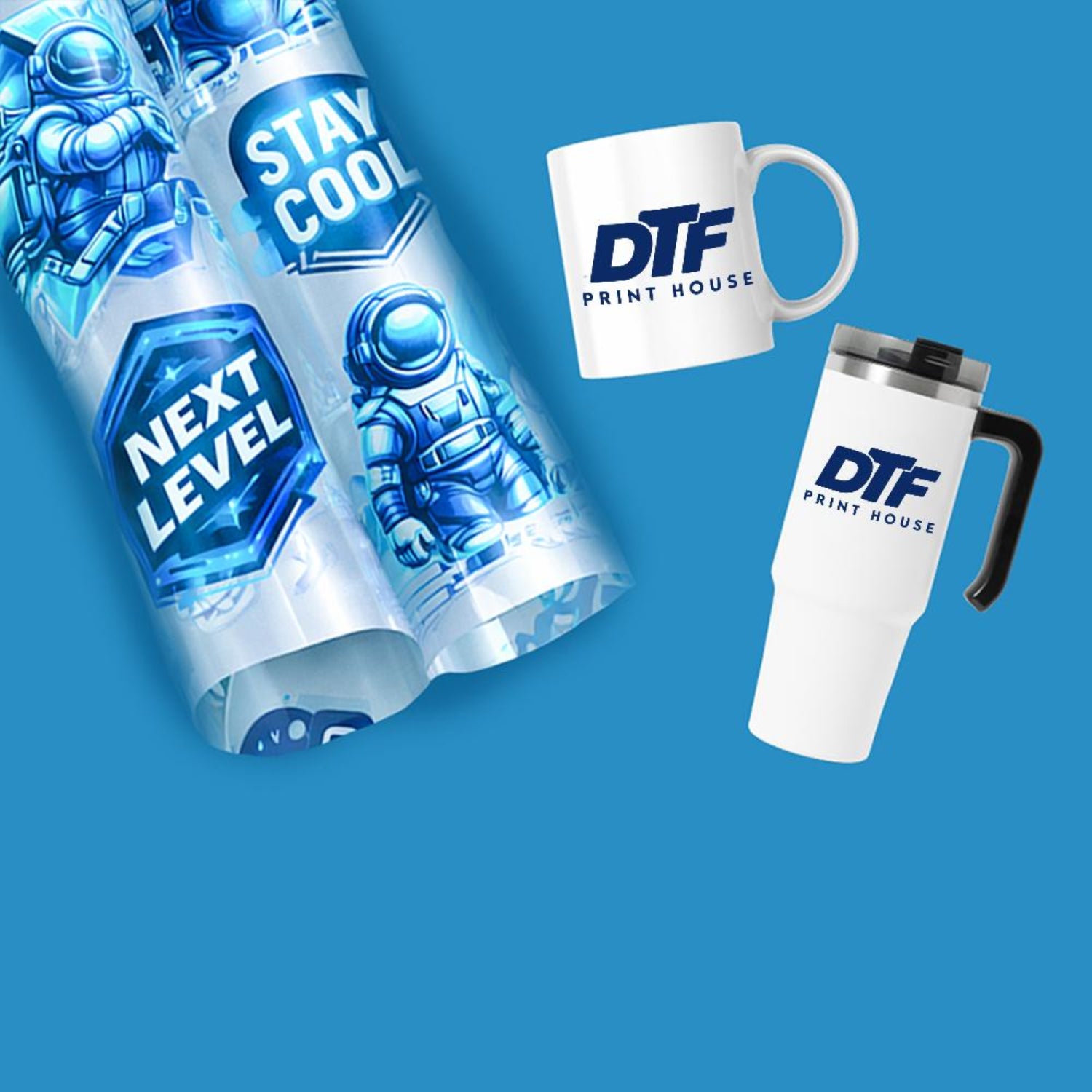
Preparing the Digital Design DTF Transfers
The first step in printing DTF transfers starts with the artwork. You must use high-resolution files to ensure sharpness. Vector files or PNGs with a transparent background are ideal for this method.
Use specialized RIP (Raster Image Processor) software to manage your colors. This software is essential for handling the white ink layer. It tells the printer exactly where to lay the color and where to put the white backing.
If you are looking for a versatile and eco-friendly way to showcase your designs, selecting the right canvas is the first step toward a successful product. You can browse a high-quality selection of
Loading the PET Film DTF Transfers
DTF printing requires a specific type of PET film. This film has a coating designed to hold wet ink without smearing. Always identify the coated side of the film before loading.
Most films have a matte side for printing and a glossy side for protection. Loading the film upside down will cause the ink to bead and ruin the print. Ensure the film is flat and free of dust or fingerprints.
The Printing Process DTF Transfers
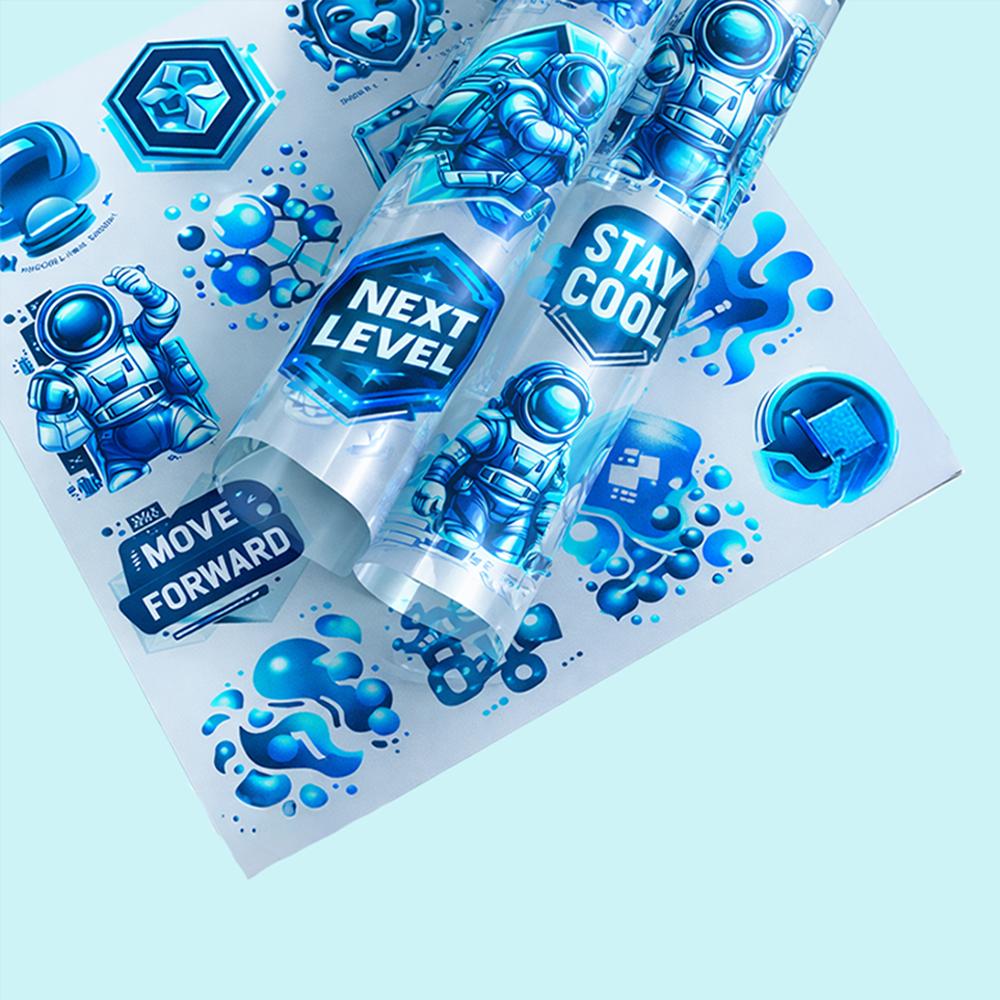
Once the file and film are ready, the printer begins its work. DTF printers use a combination of CMYK pigments and a thick white ink. The CMYK layer is printed first to create the visual design.
Immediately after, a white ink layer is printed directly over the colors. This white layer acts as a base for the adhesive and makes the colors pop on dark fabrics. Consistency in ink flow is vital for a smooth finish.
Applying the Adhesive Powder
After the film leaves the printer, the ink is still wet. This is when you apply the TPU (Thermoplastic Polyurethane) adhesive powder. You must cover the wet ink completely with an even layer of powder.
You can apply the powder manually for small batches. For large production runs, an automatic powder shaker is highly recommended. Ensure all excess powder is shaken off the unprinted areas to prevent spots on the garment.
Curing the Transfer
Curing is the stage where the powder melts into a solid adhesive. You can use a dedicated DTF oven or a heat press for this step. The temperature usually ranges between 150°C and 160°C.
Curing typically takes about two to three minutes depending on your equipment. You will know it is done when the powder has a glossy, "orange peel" texture. Over-curing can make the transfer brittle, so timing is critical.
Preparing the Fabric
While your transfer is cooling or curing, prepare your garment. Place the fabric on the heat press to remove any moisture or wrinkles. A 5-second pre-press is usually enough to create a smooth surface.
Removing moisture is vital for a strong chemical bond. If the fabric is damp, the adhesive might not stick properly. This simple step significantly improves the wash durability of the final product.
The Heat Press Application
Position the cured film on the garment with the design facing down. Use medium pressure to ensure the adhesive penetrates the fabric fibers. Most DTF transfers require a press time of 15 to 20 seconds.
Ensure the heat is distributed evenly across the entire design. If you are using a large design, a high-quality heat press is necessary for uniform results. Avoid pressing over thick seams or zippers if possible.
Peeling the Film
DTF films are generally categorized as "Cold Peel" or "Hot Peel." Most industry-standard films require you to wait until the transfer is completely cold. Peeling too early can cause the edges of the design to lift.
Once the film is at room temperature, peel it back in one smooth motion. Start from one corner and pull at a low angle. The design should remain perfectly adhered to the fabric.
The Finishing Press
The finishing press is the final step for professional results. Place the garment back on the press and cover the design with parchment paper. Press it again for about 5 to 10 seconds.
This step flattens the texture and increases the "hand-feel" of the print. It also ensures the ink is fully embedded into the textile. This final touch makes the garment feel like it was commercially manufactured.
Maintaining Your Equipment
Printing DTF transfers requires regular machine maintenance. White ink is prone to settling, so you must shake the ink tanks daily. Regular nozzle checks prevent clogs and ensure color accuracy.
Clean the capping station and wiper blade frequently to remove ink buildup. A well-maintained printer produces consistent transfers and reduces material waste. Proper care saves you money and time in the long run.
Quality Control and Storage
Always inspect your finished transfers before shipping or selling. Check for color accuracy, adhesion strength, and edge sharpness. If you are not applying the transfers immediately, store them in a cool, dry place.
Unapplied DTF transfers can last for several months if kept in airtight bags. Keep them away from direct sunlight and humidity. This allows you to print in bulk and apply them as orders come in.
Conclusion
Learning how to print DTF transfers opens up endless possibilities for custom apparel. It is a process that rewards attention to detail and consistency. By following these steps, you can produce retail-quality garments from any location.
The flexibility and durability of DTF make it a leader in modern printing. Whether you are starting a new business or upgrading your shop, mastering this method is a smart move. Start printing today and experience the future of garment decoration.
You can follow the social media platforms of DTF Print House to stay updated on current campaigns, new products, and application videos. You can access the brand's active social media accounts through the following links:
-
Instagram: Visit instagram.com/dtfprinthouse to explore the latest DTF and UV DTF designs.
-
Facebook: Follow the facebook.com/dtfprinthouse page to see community feedback and stay informed about current announcements.
-
TikTok: Check out the tiktok.com/@dtfprinthouse account to watch short videos featuring printing processes and application tips.
-
YouTube: Browse the youtube.com/@dtfprinthouse channel for detailed user guides and product introductions.