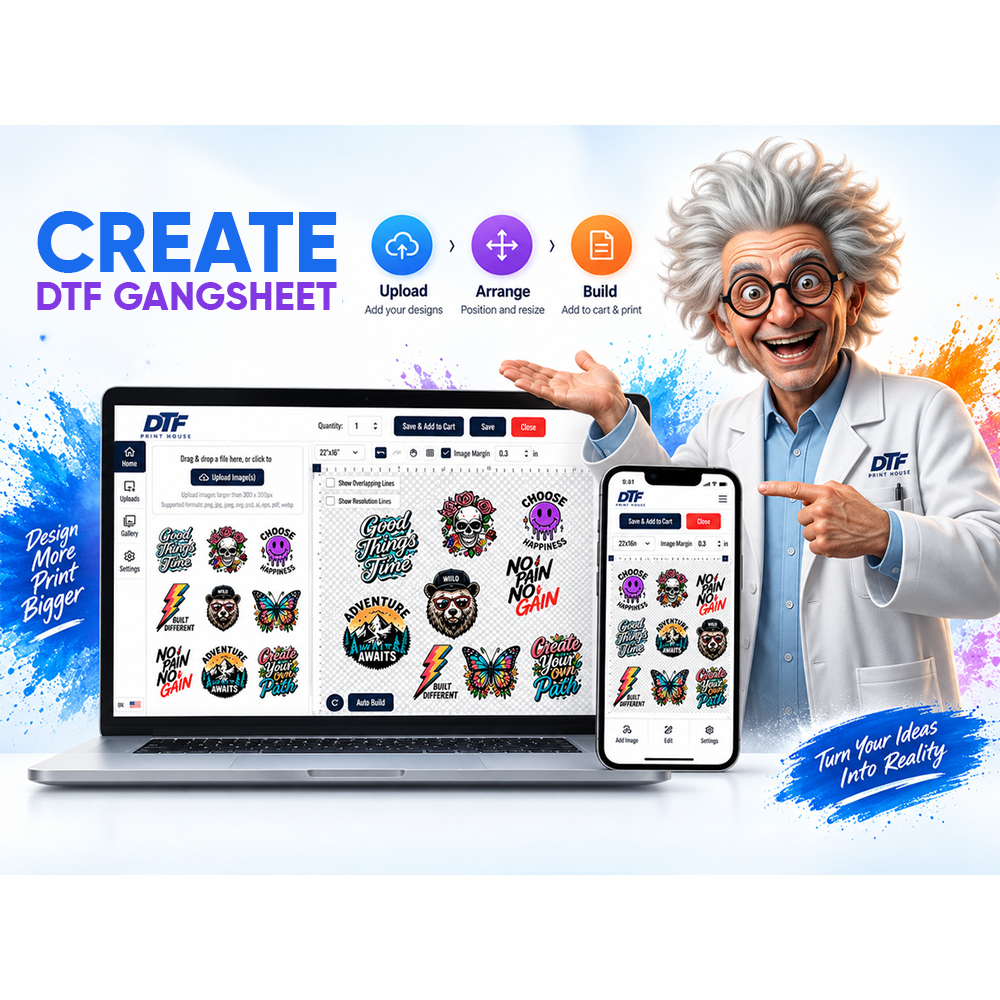
A single company can create several different DTF transfer needs at the same time. Operations may need employee shirts. Marketing may need apparel for an external event. Human resources may be preparing onboarding items. A technical department may need branded clothing for a demonstration or customer visit.
For industrial buyers in Pasadena, the challenge is often not finding one logo. It is preventing several departments from turning one apparel order into a collection of conflicting quantities, files, placements, and approvals.
Start by separating the requests
When multiple departments participate in one order, the first useful step is to stop treating the project as one undivided quantity.
Instead, break the request into clearly defined apparel groups. Each group should have its own purpose, artwork, garment, placement, quantity, and decision owner.
For example, a company-wide logo shirt and a department-specific event shirt may use the same brand identity, but they are not necessarily the same production job. One may become a long-term standard while the other exists only for a specific date.
Assign three kinds of ownership
Multi-department orders become easier to control when three responsibilities are clear.
Artwork ownership
Who determines which logo or design is approved? Marketing or a brand manager may own this decision even when another department is paying for the order.
Quantity ownership
Who knows how many transfers are actually required? A department manager may have better information about headcount, garment quantities, or event participation than the person approving the artwork.
Order ownership
Who sends the final production package and confirms that the information from all departments is complete?
One person does not have to perform all three roles. The important point is that each decision has an owner before files reach production.
Separate core branding from departmental graphics
Pasadena's industrial economy includes technical, petrochemical-support, professional-service, logistics, and other business activity. A company serving several functions may therefore have very different apparel situations under one corporate identity.
A practical order structure starts with the elements that should remain consistent. That may be the primary company logo, approved colors, or a standard left-chest mark.
Department-specific information can then be treated as a separate layer. A training group, service division, customer-facing team, or internal program may require additional wording or artwork without changing the company's core identity.
This distinction keeps a temporary departmental requirement from accidentally becoming the new company-wide standard.
Build an order matrix before uploading artwork
A simple matrix can prevent many production mistakes. Each line should represent one unique transfer requirement rather than one department's general request.
- Department or use case
- Approved artwork file
- Garment type
- Transfer dimensions
- Placement
- Quantity
- Approval contact
- Required date or internal handoff point
If two departments use the same exact transfer specification, they can be combined later. If one field changes, keep them separate until the difference is understood.
Do not use quantity to solve an artwork problem
Buyers sometimes begin with a total such as “we need 120 shirts.” That number may be correct for purchasing blanks, but it does not necessarily describe the transfer order.
Those 120 garments could contain two designs, three placements, or several department variants. Some garments may need only a front logo while another group needs front and back graphics.
Count transfers by actual print requirement, not only by garment count.
Lock dimensions before the departments approve quantity
A design can be approved visually while its production dimensions remain undefined. This becomes especially risky when departments are looking at digital proofs instead of the final garment context.
Use the intended apparel to decide how large the graphic should be. DTF Print House's DTF size guide provides a useful reference when teams are converting an approved design into a finished transfer dimension.
Once dimensions are approved, record them with the artwork. Avoid descriptions such as “regular size” or “same as before” unless a documented previous specification exists.
Create one release package for production
The final order should not require the production team to reconstruct decisions from several email threads.
Collect the approved artwork, transfer dimensions, quantities, placements, and department names into one final package. Clearly distinguish active production files from drafts.
If a department later changes its quantity, update that specific line without reopening unrelated artwork decisions.
When transfers are being ordered by final dimensions, the custom DTF transfers by size ordering route can be used after the specification has been finalized.
Plan distribution before the order arrives
A multi-department order is not finished when the transfers are produced. Someone still has to know which group receives which artwork.
Preserve the same department labels through receiving and internal distribution. If several transfer types look similar, identify them before they are handed to separate teams.
This becomes increasingly useful when the same company manages more than one facility, shift, or department.
Save the specification, not just the invoice
An invoice can confirm what was purchased, but it may not preserve the production logic behind the order.
For every reusable design, save the final artwork file, dimensions, placement, garment context, department, and approval status. If the next order requires a different quantity, the company can change the number without rebuilding the entire specification.
Turn many requests into one controlled workflow
Industrial buyers do not need every department to order apparel the same way. They need each department to provide the information required for an accurate production decision.
Separate requests, assign ownership, identify shared brand elements, document true transfer quantities, and release only final files. That approach keeps a multi-department Pasadena DTF order organized without forcing every team into one generic apparel specification.