




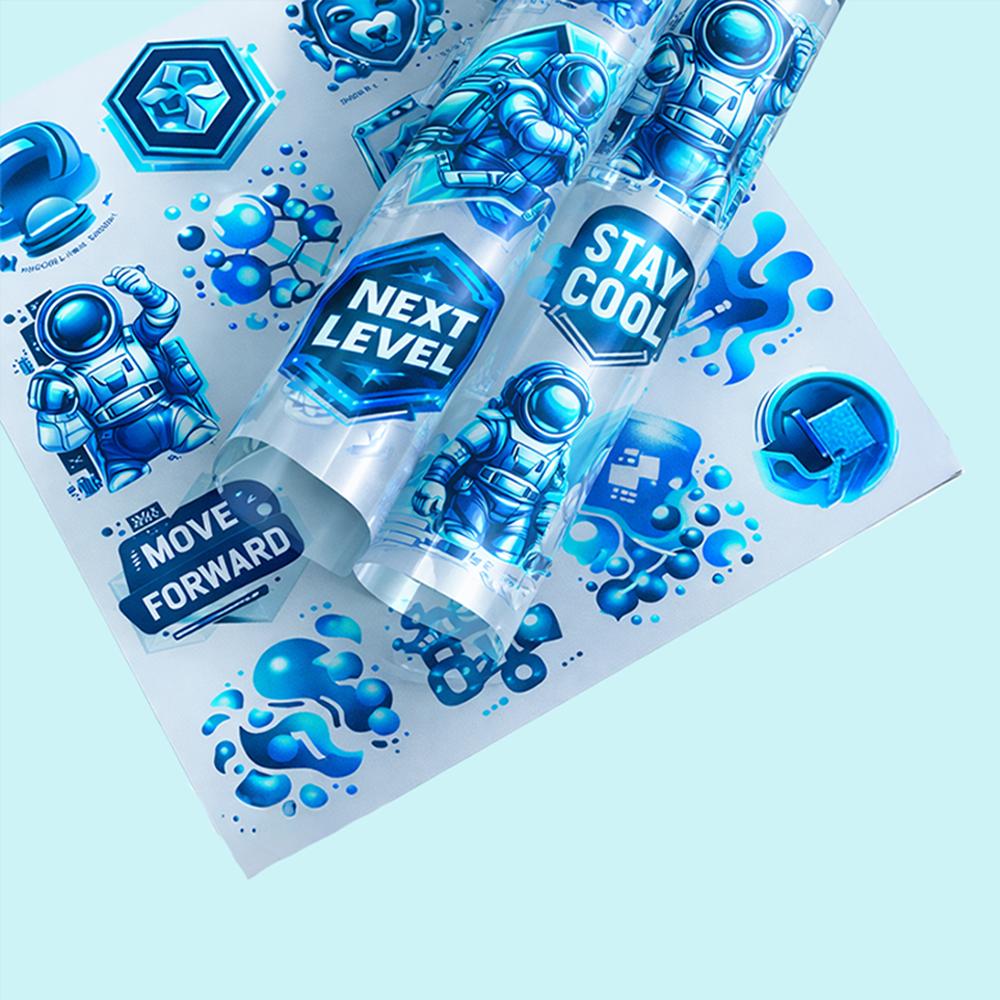




Heat Press Settings DTF for Different Fabrics – Cotton vs Polyester
Achieving a professional result in the garment industry requires more than just a great design; you must master the technical relationship between heat, pressure, and textile fibers. Establishing the most accurate heat press settings dtf is the most critical step in determining your brand's quality. Each fabric reacts differently to high temperatures; using the wrong "recipe" can cause garments to scorch or your DTF transfers to peel.
DTF Settings for Cotton
Cotton fabrics are the safest choice for beginners as they can withstand high temperatures without the risk of melting. Their natural and absorbent fiber structure provides a perfect surface for dtf settings cotton. For an ideal result, apply a temperature of 160°C (320°F) for 15 seconds with medium-high pressure. For maximum efficiency, you can choose products from our best shirts for DTF collection.
DTF Settings for Polyester
Polyester is a synthetic fiber that is much more heat-sensitive than cotton. Using incorrect dtf settings polyester can lead to permanent "shiny" marks or even melting of the fabric. You should lower the temperature to 130°C - 140°C (265°F - 285°F) and increase the press time to 20 seconds. The right heat press temperature fabric balance ensures that the fabric's texture is preserved while the print remains durable.
DTF Settings for Blends
For 50% cotton and 50% polyester blend fabrics, pressing at 145°C (293°F) for 15 seconds is usually the most balanced approach. For dark-colored blended fabrics, using custom DTF transfers with special blocker layers is recommended to prevent the risk of dye migration.
Complete Settings Chart
| Fabric Type | Temperature | Time | Pressure |
|---|---|---|---|
| 100% Cotton | 150°C - 160°C | 15 Seconds | Medium-High |
| 100% Polyester | 130°C - 140°C | 20 Seconds | Medium |
| Blends (50/50) | 145°C | 15 Seconds | Medium |
Troubleshooting by Fabric
If you're having issues with your prints, check your device's heat accuracy. If the print peels after the first wash, the temperature may be too low or the pressure insufficient. For correct application steps, check out our DTF care instructions guide to avoid common mistakes.
FAQ Heat Press Settings DTF
What temperature for DTF on cotton?
The ideal temperature for cotton fabrics is between 150°C and 160°C.
What temperature for DTF on polyester?
To prevent scorching on polyester fabrics, the heat should be kept around 130°C - 140°C.
DTF settings for blended fabrics?
The safest setting for blended fabrics is pressing at 145°C for 15 seconds.
Why is DTF not sticking to polyester?
Usually, the adhesive powder fails to lock into the fibers correctly due to excessive temperature or insufficient pressure.