How to Make a DTF Gang Sheet — Complete Tutorial
Learning how to make a dtf gang sheet is the best way to optimize your custom apparel production. This guide teaches you how to save time and money.
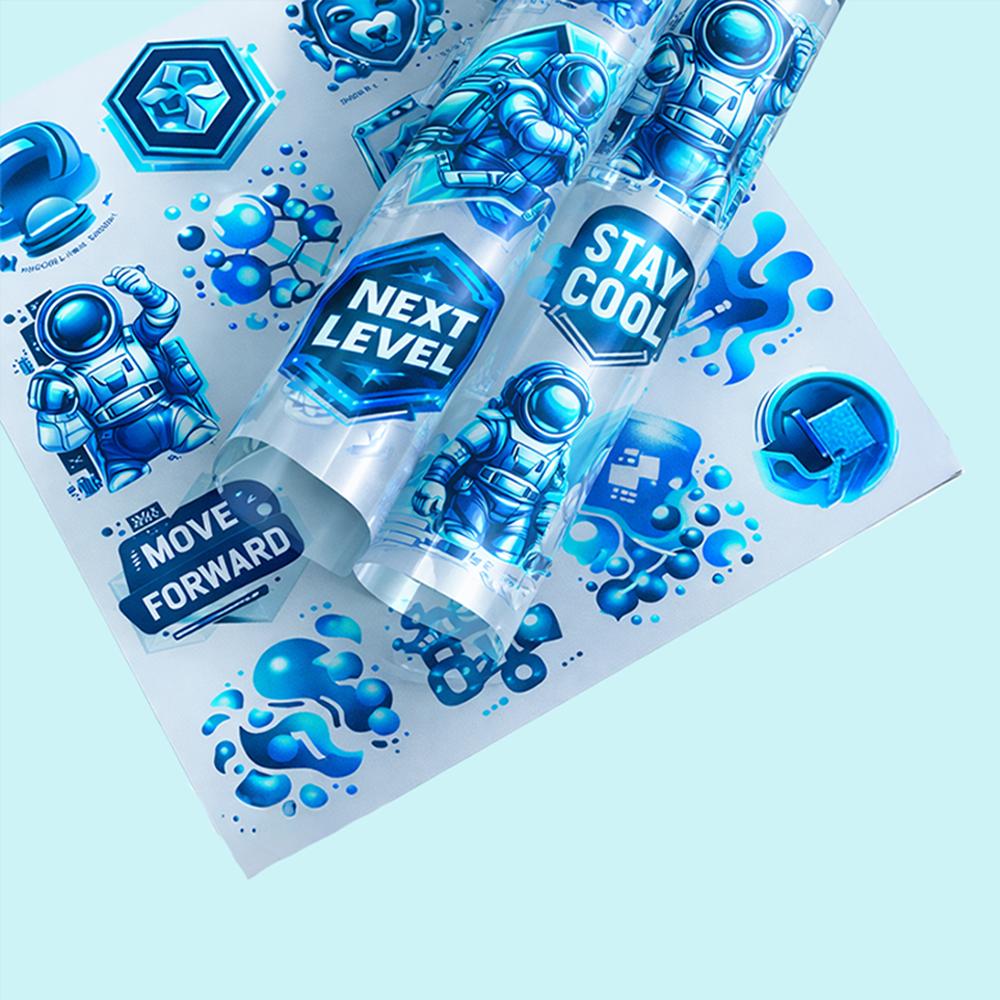
A well-organized gang sheet allows you to fit multiple designs onto a single transfer sheet. Using a DTF gang sheet builder is the fastest way to start.
What You Need to Make a Gang Sheet
To create a gang sheet, you need a high-quality design file with a transparent background. High-resolution PNG files are the industry standard for the best print clarity.
💡 Did you know? Gang sheets are the most cost-effective method for batch printing small logos or diverse custom designs.
Step-by-Step Gang Sheet Creation
First, set up your canvas to the specific dimensions required by your printer. Importing your artwork is the next crucial step in how to make a dtf gang sheet successfully.
Arrange your images closely to minimize wasted space. Ensure your designs do not overlap, as this makes cutting the transfers very difficult later on.
Software Options
If you are a beginner, learning how to gang sheet in Canva is an excellent place to start.
🔥 Feature
Our platform supports various file formats to ensure your gang sheet guide remains simple and efficient.
FAQ
How to make a DTF gang sheet?
Open your design software, set your canvas size, and place your images strategically to maximize the print space.