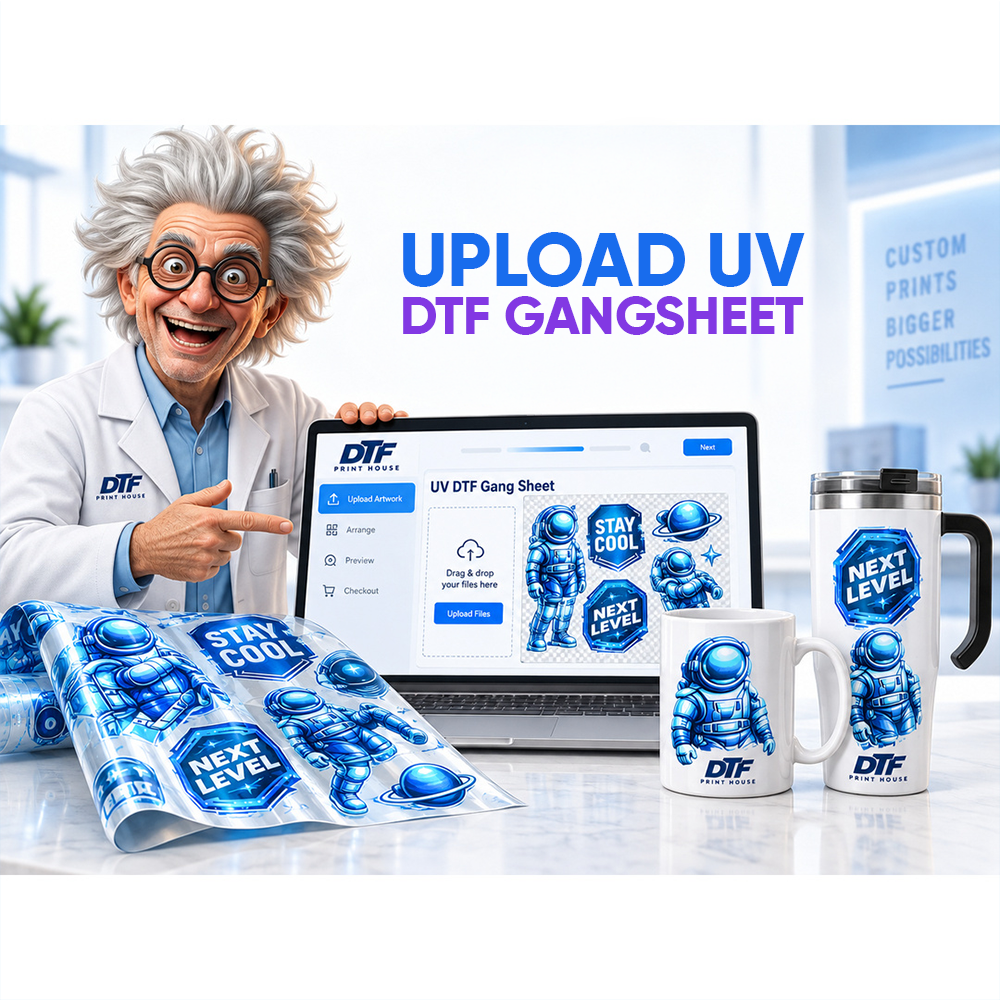
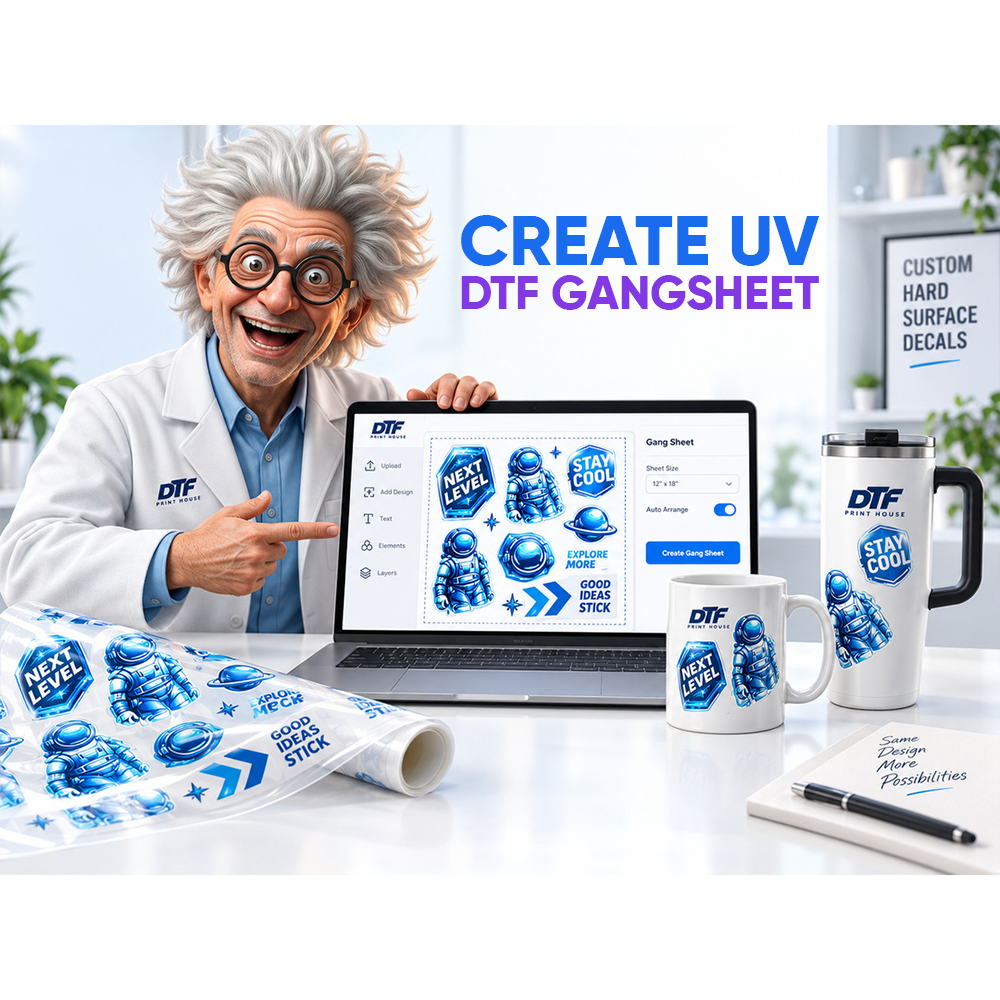
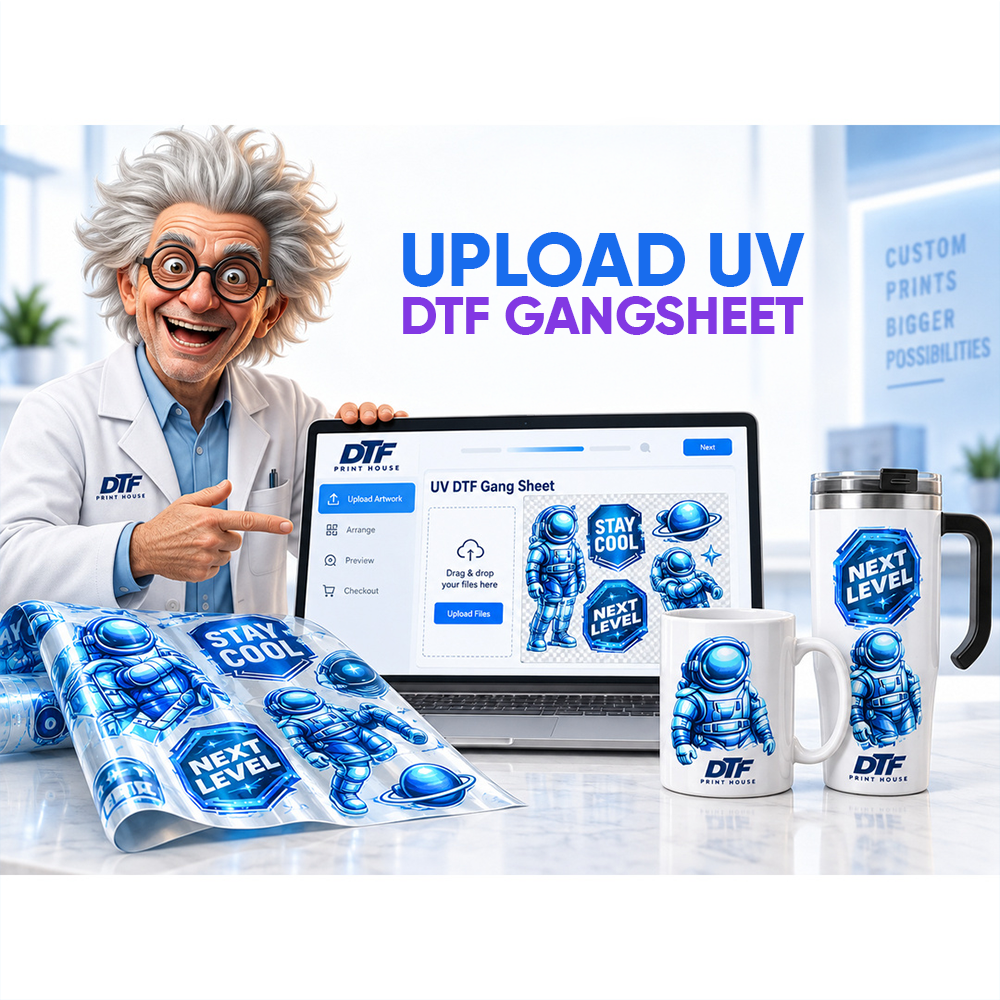
How to Use Online Gang Sheet Builder — Tutorial
Mastering our premium online gang sheet builder platform allows you to design high-yield custom transfer layouts effortlessly.
This interactive web tool simplifies your overall graphics workflow by letting you combine various image files onto a single sheet.
Using these streamlined methods reduces material waste metrics and saves your custom brand significant production time during daily fulfillment cycles.
Let us explore the core settings so you can build your wholesale garment graphics with total technical precision and ease.
Getting Started with the Builder
Our adaptive online gang sheet builder provides a highly responsive workspace tailored specifically for modern custom apparel business managers.
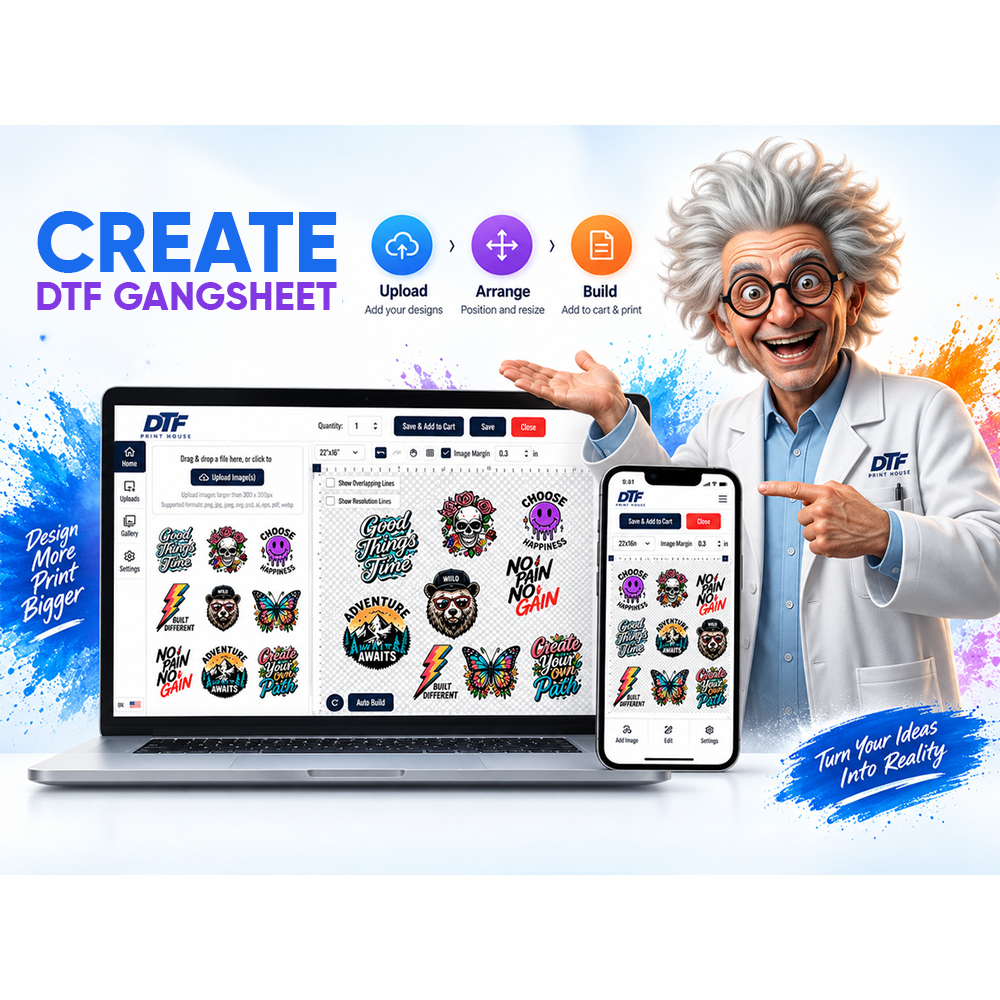
The system features an intuitive drag-and-drop mechanics engine that removes the need for slow manual file calculations or measurements.
You can quickly adjust canvas parameters to match the precise physical width requirements of your commercial heat press machinery.
This direct flexibility makes our advanced DTF gang sheet builder software an absolute necessity for growing retail clothing lines.
The interface lets you monitor your spatial orientation live, ensuring that every design asset utilizes every open inch efficiently.
Saving your progress regularly protects your workspace layout drafts and allows you to compile extensive inventory collections over multiple sessions.
💡 Did you know? Combining several distinct logos onto one broad canvas sheet helps custom print shops reduce physical film waste by up to thirty percent.
Step-by-Step Builder Tutorial
Following a clear gang sheet builder tutorial saves your retail team from expensive trial-and-error mistakes during layout assembly phases.
First, access your dashboard workspace area to manage multiple active project canvases and review older historical print templates easily.
Next, define your target canvas dimensions based accurately on the exact bulk volume requirements of your custom apparel line.
We suggest trying our interactive create your gang sheet software app to configure your high-resolution templates directly online.
The builder platform handles multiple structural graphics sizes concurrently, keeping your production queue highly organized and fast for shipping.
Once your file parameters look perfect, you can prepare your graphics for high-density white underbase printing setups without delay.
Uploading and Arranging Designs
Learning how to properly use gang sheet builder software ensures your commercial graphics display beautiful color depth and sharp borders.
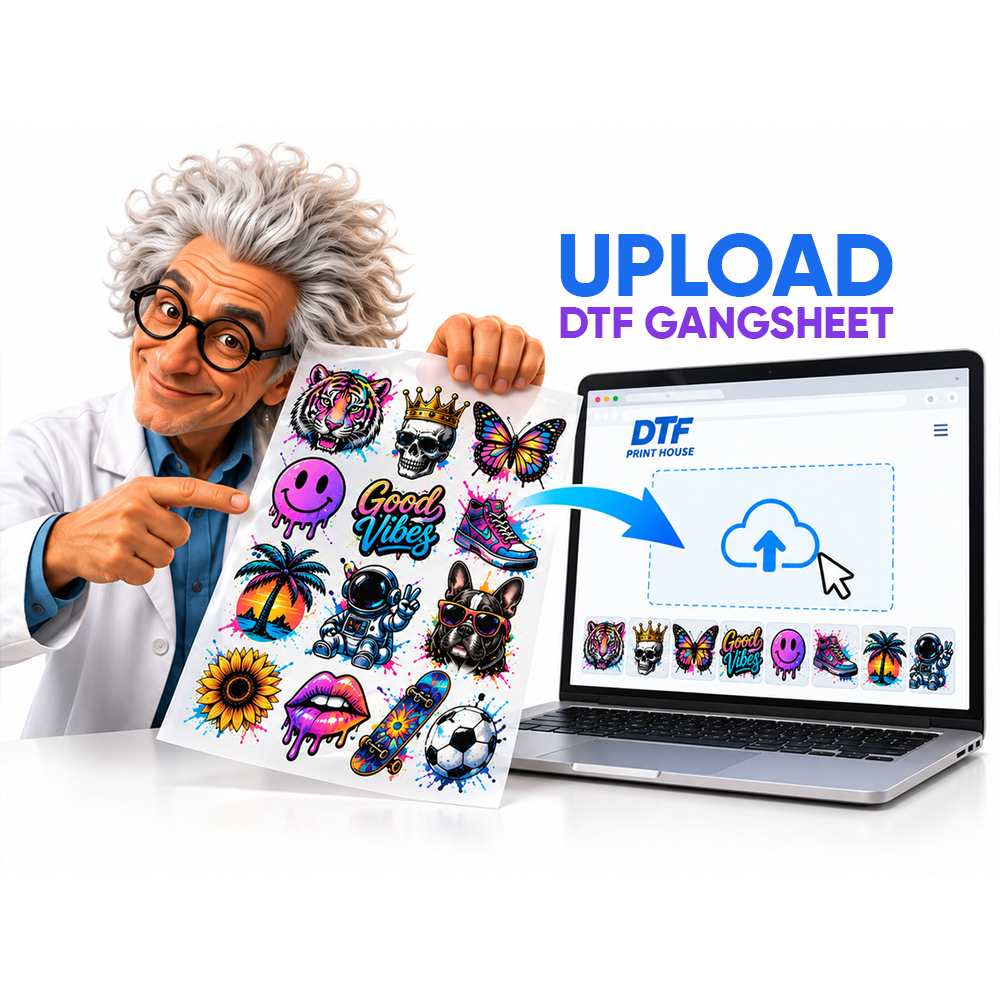
Always upload high-quality PNG graphic files that feature clean transparent backgrounds to prevent unwanted white boundary boxes from printing.
You can effortlessly reposition, mirror, rotate, and scale your artwork assets directly inside our highly responsive virtual design grid.
Our integrated auto-snapping features keep your designs properly spaced, making it much easier to cut separate logos after printing completes.
This versatile online gang sheet tool gives custom clothing brands a foolproof method to inspect overlapping elements before final exporting.
Sourcing your bulk files correctly ensures you receive the absolute best price DTF transfer deals available on the market.
🔥 Feature
Our web software features automated nesting logic to analyze your canvas and arrange items in highly efficient, space-saving layouts.
Tips for Best Results
Optimizing your digital layout workspace ensures that your final heat-pressed clothing products maintain incredible retail durability and texture longevity.
Always maintain a clean half-inch safety gap margin between your separate design files to make manual scissors cutting stress-free.
Group items with similar physical dimensions together to establish clean lines and maximize your overall material utilization metrics seamlessly.
Using a premium online gang sheet builder platform helps you spot hidden design defects before your order moves to production.
Review your real-time vector previews thoroughly to guarantee that every single text element retains supreme pixel clarity under pressure.
Implementing these simple formatting habits empowers your custom label to produce beautiful custom garments at a fraction of standard costs.
FAQ
How to use the online gang sheet builder?
Select your canvas dimensions, upload transparent 300 DPI PNG images, and arrange items using our interactive grid space.
Can I upload any file format?
We highly suggest utilizing high-resolution PNG exports with clear transparent margins to guarantee perfect white ink distribution lines.
How to arrange designs on gang sheet?
Drag your graphics onto the sheet, leave a half-inch safety margin, and group similar object scales together.