How to Create Gang Sheet in Illustrator
Building a custom Gang Sheet illustrator file gives you ultimate pixel control over your commercial print media configurations.
This technical approach allows independent apparel businesses to place multiple vector files onto one single broad film canvas area.
Using these digital file arrangement systems reduces raw material waste metrics and speeds up your shop production cycles significantly.
Let us closely review the core artboard configurations required to build a perfect professional transfer template for your next project.
Illustrator Setup for Gang Sheets
Establishing the right document parameters inside a gang sheet illustrator workspace is critical for achieving clear commercial print results.
First, verify the precise mechanical film feeding width of your target custom transfer system before initializing your artboard workspace.
Common industrial roll width constraints usually span 12 inches, 22 inches, or 24 inches depending on the machine scale.
Navigate directly to your document setup layout menu to define these core width boundaries for your upcoming custom design project.
You can set your vertical canvas length as long as necessary to pack dozens of custom brand logos together tightly.
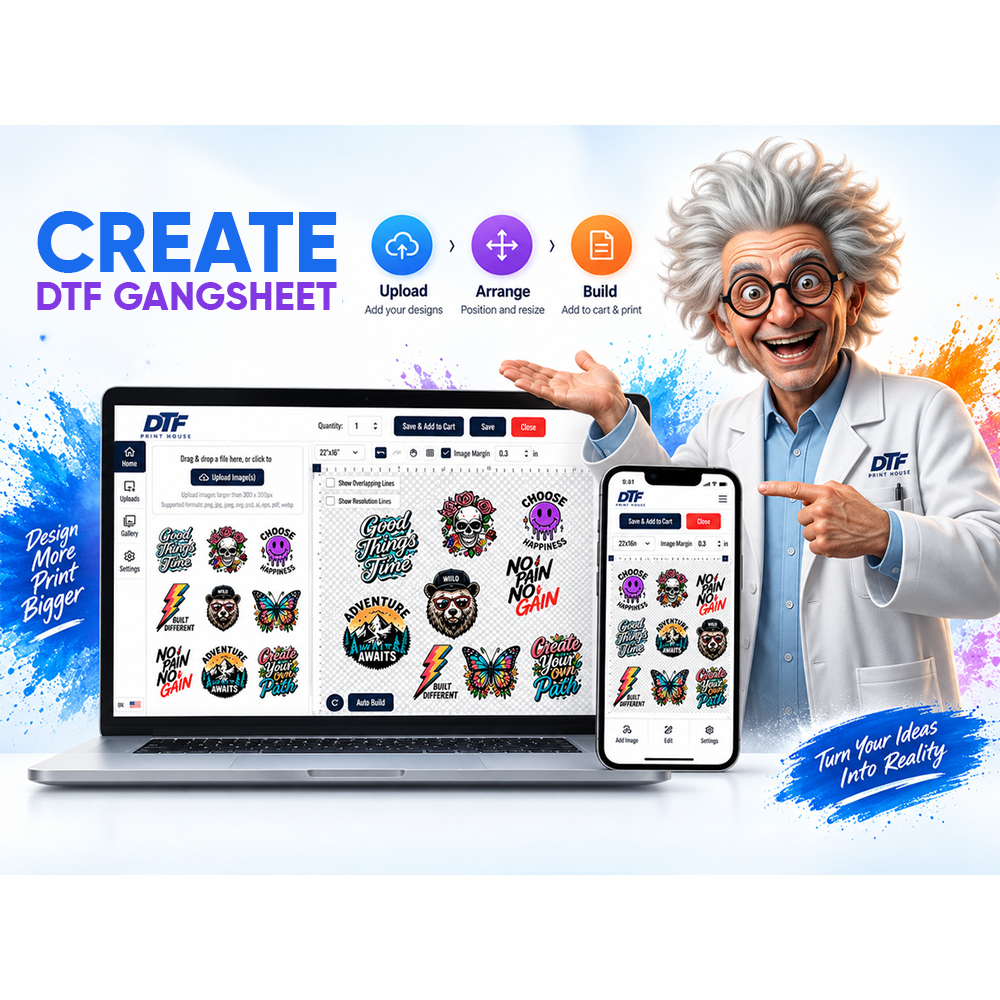
Our online DTF gang sheet builder platform can also help you organize your custom graphics automatically.
💡 Did you know? Setting up your vector canvas correctly in advance ensures that your custom apparel items maintain crisp geometric alignment under the heat press.
Step-by-Step Creation
Following a precise create gang sheet illustrator sequence keeps your high-resolution graphics completely organized and ready for mass production.
Always implement a professional adobe illustrator dtf design strategy by checking your workspace color mode settings very closely.
You must switch your document working space color environment over to CMYK mode to ensure accurate ink matching results.
Additionally, lock your raster effects settings to 300 PPI to ensure that every single fine detail remains completely razor-sharp.
Import your active graphical assets by selecting the placement menu command to drop your design artwork onto the canvas.
We highly suggest exploring our interactive tool to create your gang sheet layout template using pre-configured canvas settings.
Make sure every single image file uses a clean transparent background layer to prevent unwanted blocky white borders from printing.
If you need to quickly sketch alternative layout concept files, give us a qucik call or message about building a gang sheet in Canva. We'll walk you thtough the process.
Carefully audit your custom artwork links to ensure that no stray background elements or hidden vector paths overlap each other.
Exporting for DTF Print
Executing a proper illustrator gang sheet setup file export ensures your commercial printing system reads your image parameters accurately.
Most commercial apparel production services require a high-resolution uncompressed PDF file format or a flat transparent TIFF document type.
Save your progress file using the PDF format option while choosing the high-quality print default setting on your screen.
Always leave editing capabilities active so you can quickly adjust design rows or individual scales later if needed.
If your printing provider specifically asks for a raster file type, export your canvas as a transparent PNG structure.
Double-check that the file output resolution retains its 300 DPI density setting to avoid any fuzzy edges or blurriness.
🔥 Feature
Our industrial systems read embedded vector paths directly from your exported sheets to generate smooth, premium high-density white underbase layers.
Tips and Shortcuts
Optimizing your gang sheets illustrator workflow parameters allows you to prepare large bulk volume commercial orders within minutes.
Always hold your shift key down while dragging the transform nodes to lock your aspect ratios perfectly into place.
Utilize the transform panel metrics to confirm the exact physical dimensions of your pocket logos and large back designs.
Maintain a strict quarter-inch safety gap border cushion between separate vector groups to make manual film cutting fast and safe.
Use the integrated alignment tools to organize your small custom neck labels into tidy, parallel rows across the film area.
Leaving a half-inch blank margin guide zone along the outer edges of your artboard prevents any automatic clipping issues.
Mastering these basic professional design habits empowers your business to fulfill custom clothing transfers with supreme retail accuracy and speed.
FAQ
How to create gang sheets in Illustrator?
Set your artboard width to your printer size, use CMYK color mode, and pack transparent designs together tightly.
What Illustrator settings for DTF?
Always use a crisp 300 PPI setting, a CMYK color profile environment, and keep overprint options completely turned off.
How to export gang sheet from Illustrator?
Save your canvas artboard as a high-quality PDF or export a transparent PNG file locked at 300 DPI.